Start with your part
Draw in the workspace or bring supported SVG and planar DXF vectors.
 NC CarveRequest beta access
 Browser-based CAM · Early access
For the parts you actually make. Draw or import your vectors, create toolpaths, and inspect the cut in 3D—all in your browser.
Help shape the betaFree invited beta. Built with woodworkers.
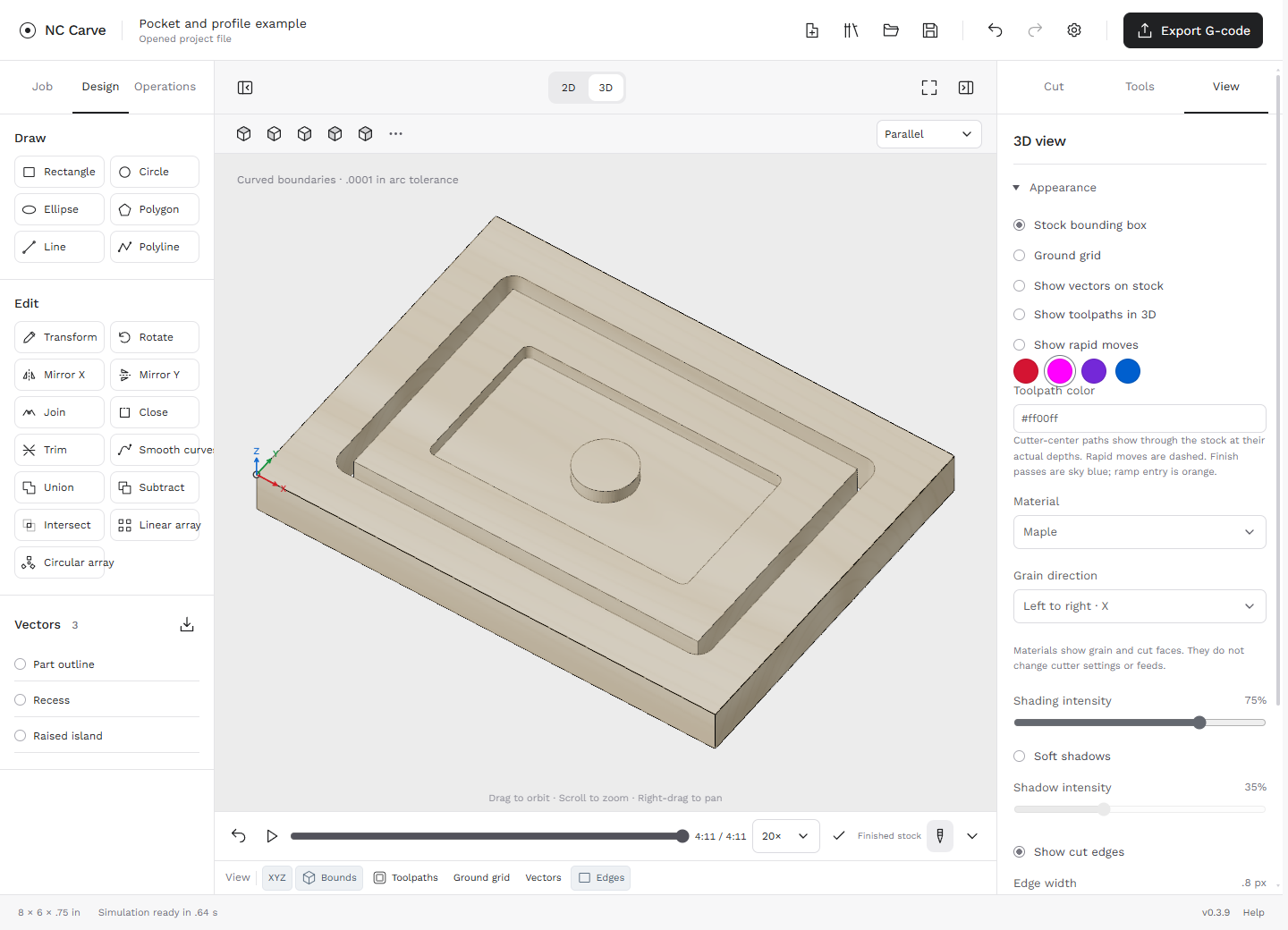
Draw in the workspace or bring supported SVG and planar DXF vectors.
Set up pockets, profiles, drilled holes and fluted details. Work in inches or millimeters.
Review toolpaths and progressive material removal before exporting G-code.
A focused beginning
We’re looking for a small mix of experienced CAM users and newer CNC owners. Try a starter workflow, bring a project of your own, and tell us where it gets confusing.
This beta focuses on 2D and 2.5D woodworking. Native DWG, V-carving and 3D relief machining are not available. Machine compatibility is reviewed one controller at a time; software checks do not qualify a physical cut.
Access is by invitation. Signing up does not unlock the app or promise an invitation or release date.
Join the early-access list
Tell us how you work. We’ll confirm your email, then contact you about a suitable testing group.
No payment details. No automatic app access.
Leave the list at any time.